

Google Earth Lets You Pilot A Plane Over Louisiana From Your Browser
(KMDL-FM) Have you always wanted to see Louisiana from a real bird's-eye perspective? With the recently introduced Flight Simulator on Google Earth, you can feel what it's like to grab the controls and pilot aircraft over Lafayette, Baton Rouge, the Atchafalaya Basin, or just about anywhere else on Earth, for that matter.

As long as you can open Google Earth on your browser, you can fly along. Now, for those of you who are already pilots or have a strong working knowledge of how aircraft traverse the friendly and not-so-friendly skies, this might seem very elementary to you.
No Special Software or Downloads Needed for Google Earth Flight Simulator
But for those of us who just want to catch a glimpse of what "down here" looks like from "up there," this simulator will be a wonderful journey, virtually, of course. The program needs no other downloads or software add-ons. If you can open Google Earth, then you're just a few minutes from takeoff.
The simulator also allows you to explore other places around the world; imagine piloting a plane over the Grand Canyon in Arizona, Mount Fuji in Japan, or Wayne Toups' secret lair. If you can find it, you could fly over it,
How Do You Launch Google Earth Flight Simulator on a Computer?
Here's the link to the Google Earth Flight Simulator info page to get you started; it has all of the instructions, but just to give you an idea of how easy this is, here's what you're going to do.
To launch the flight simulator, do the following:
1. On your computer, open Google Earth.
2. At the top of the home screen, click the Explore Earth icon.
3. Open the Tools menu in the top menu bar.
4. Select Flight simulator from the menu.
How Do You Load Maps and Fly the Virtual Plane on Google Earth Flight Simulator?
You will find yourself staring at the "wild blue yonder" or a virtual representation of that. Now, to pick a flight over a certain geographic area, you will need to change the basemap type from MAP to SATELLITE. This is what will give you the topography that you want to see from above.
READ MORE: 17 of the Oddest Absurdities That Happen on Every Commercial Flight
If you learn better by watching, here is a YouTube Tutorial.
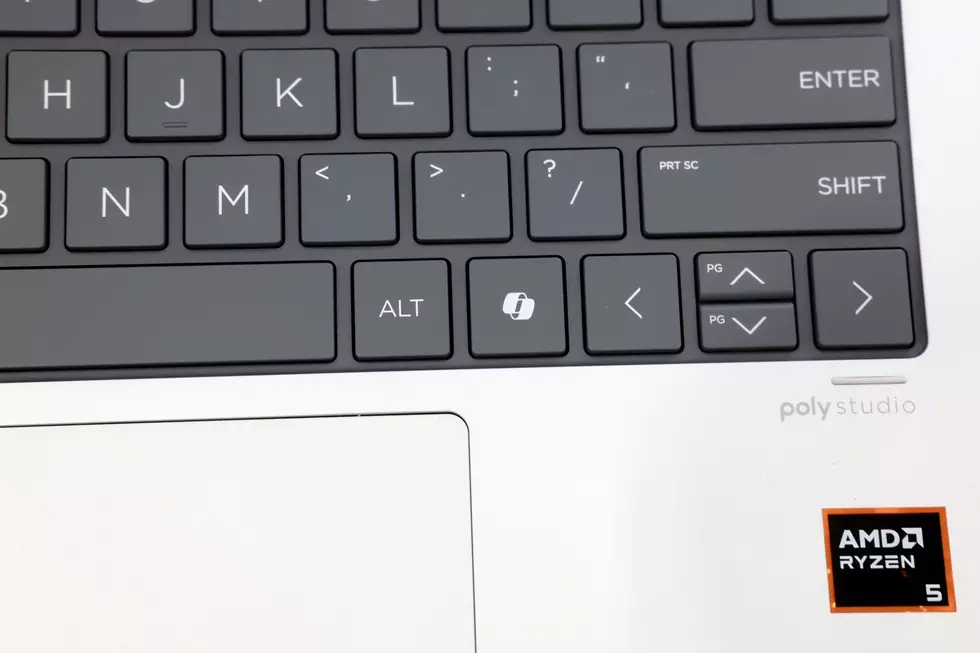
To control the aircraft, you're going to need some keyboarding skills. I wish I could tell you that they are intuitive, but to me, a non-gamer type, they felt a little clunky in my inexperienced hands. But if you normally play games online and on the computer, you might be a lot more adept at using arrow keys and page up and page down keys.
If you crash, no worries; the NTSB will not be sending you an email, and you won't have to explain anything to the authorities. Unless you crash over the secret lair of Wayne Toups. But in all other cases, all you'll have to do is wait. The simulator will put you back in the air at a reasonable altitude so you can continue your flight.
READ MORE: New TSA Scanners Might Mean Your Carry-On Bag Will No Longer Fit
To leave the simulation, all you have to do is hit the "Arrow" at the top of the simulator page, and you will be returned to your regular browsing. Now, if you'd like to make some of these "Bucket List" flights in person, you might be surprised at how affordable they really are.
12 Bucket List Trips You Can Take And How Much They Cost
Gallery Credit: Bruce Mikells
More From 97.3 The Dawg


